

ACTIVE MODE
21° climate
Exterior secure
Energy
Fresh water
Interior
Vehicle
THE CATEGORY
WITHOUT WEFT
Different protocols, interfaces, terminology, alerts and support paths—left for the owner to reconcile.
ENERGY
84%
Battery state
CLIMATE
21°
Heating panel
WATER
71%
Tank display
LIGHTING
Scene 3
Switch controller
OUTSIDE WATER TANK
46%
Tank monitor
SOLAR 1
312 W
MPPT controller
SOLAR 2
287 W
Second controller
SECURITY
Secure
Door monitor
WITH WEFT
ONE VEHICLE
Every system becomes part of the vehicle’s state, modes, automation, diagnostics and service history.


01
One vehicle model
Normalize diverse hardware into stable capabilities—energy, water, climate, access, lighting and more.
02
Builder-owned experience
Ship your visual language, terminology, modes and product logic—not a collage of supplier interfaces.
03
Local-first control
Core functions and automations run in the vehicle, so the product remains useful when connectivity does not.
04
Context-rich support
Bring equipment records, manuals, vehicle state, faults and service context into one support experience.
05
Configure, don’t fork
Use reusable templates for product lines, then preserve the exact equipment and configuration of each vehicle.
06
Open integration layer
Adapters and APIs let you preserve the hardware choices that differentiate the build—and add what comes next.
ARCHITECTURE
BUILDER AND CUSTOMER EXPERIENCES
Owner experience
App, display and vehicle controls
Builder tools
Configuration and commissioning
Service layer
Diagnostics, support and lifecycle
Weft Core
RUNS IN THE VEHICLE
Adapters
Vehicle model
Automations
Diagnostics
ONBOARD SYSTEMS AND PROTOCOLS
Energy
Climate
Water
Lighting
Security
Chassis

IN THE VEHICLE
01
Mount
Install it as part of the build.
02
Connect
Bring the supported onboard systems together.
03
Commission
Check the finished vehicle and hand it over.
WEFT STUDIO
Repeatable product lines
Start from a shared model, then preserve the exact equipment in each vehicle.
A clean handover
Run checks, apply the app identity, invite the owner, and publish help.
Support with context
See configuration, documentation and recent diagnostics when the vehicle returns.
STUDIO
VEHICLE ONLINE
All required checks passed · Updated 2 min ago
READY
COMMISSIONING
Required checks passed
OWNER APP
Icon, name and tint applied
HELP CENTER
Articles published
VEHICLE RECORD
Systems documented
Help center published to the owner app
2 min
SAMPLE IDENTITIES
Tap an icon
YOUR BRAND
OWNER APP
Your icon at the front door
HELP CENTER
Your name on every answer
PRIMARY TINT
#D65E36
ICON, NAME AND PRIMARY TINT · APPLIED IN STUDIO
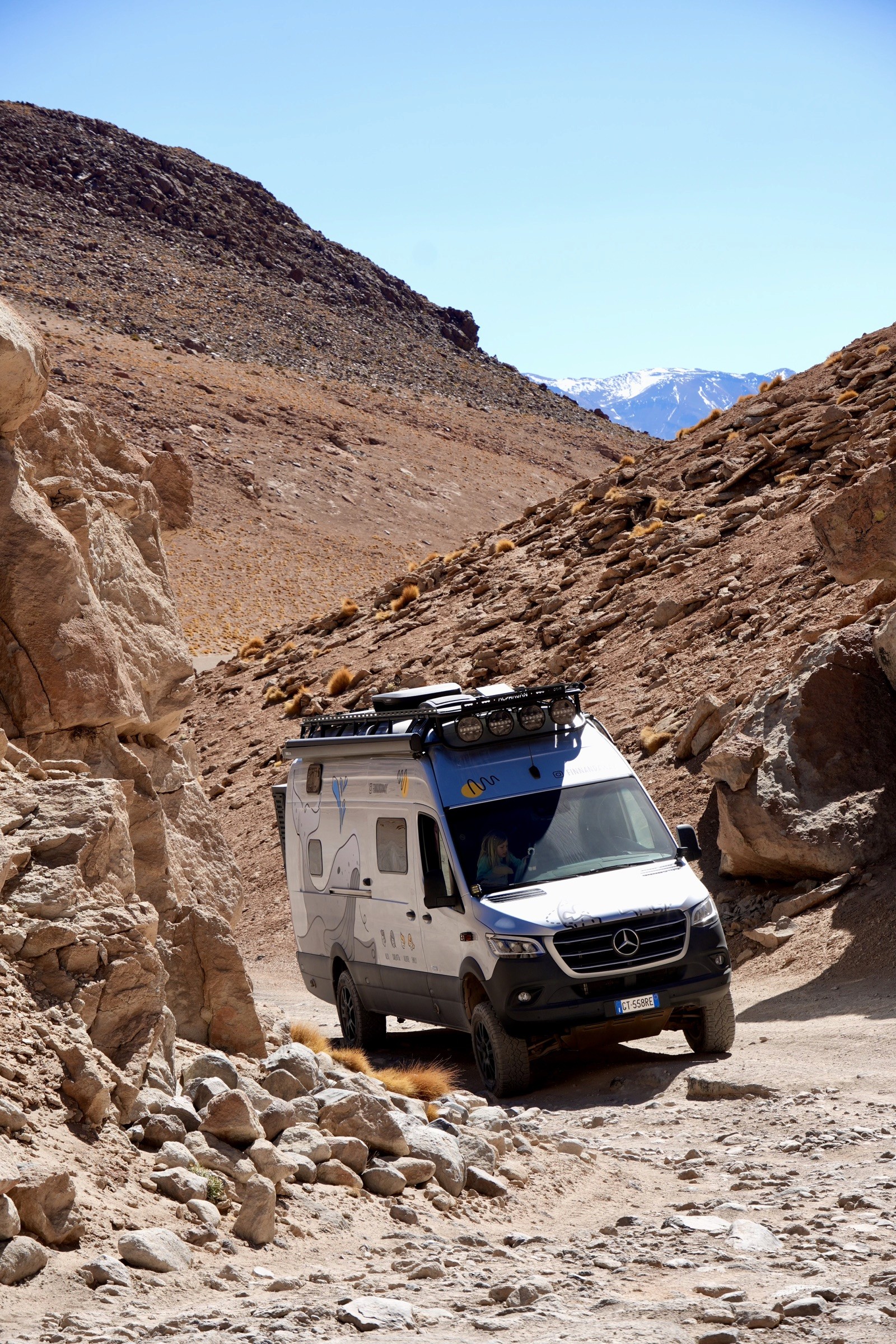
Every change is tested in the vehicle before it reaches a builder’s production system.
BUILDER PARTNERSHIPS
Tell us what you build and what you want the owner experience to become.